Twitch Integration
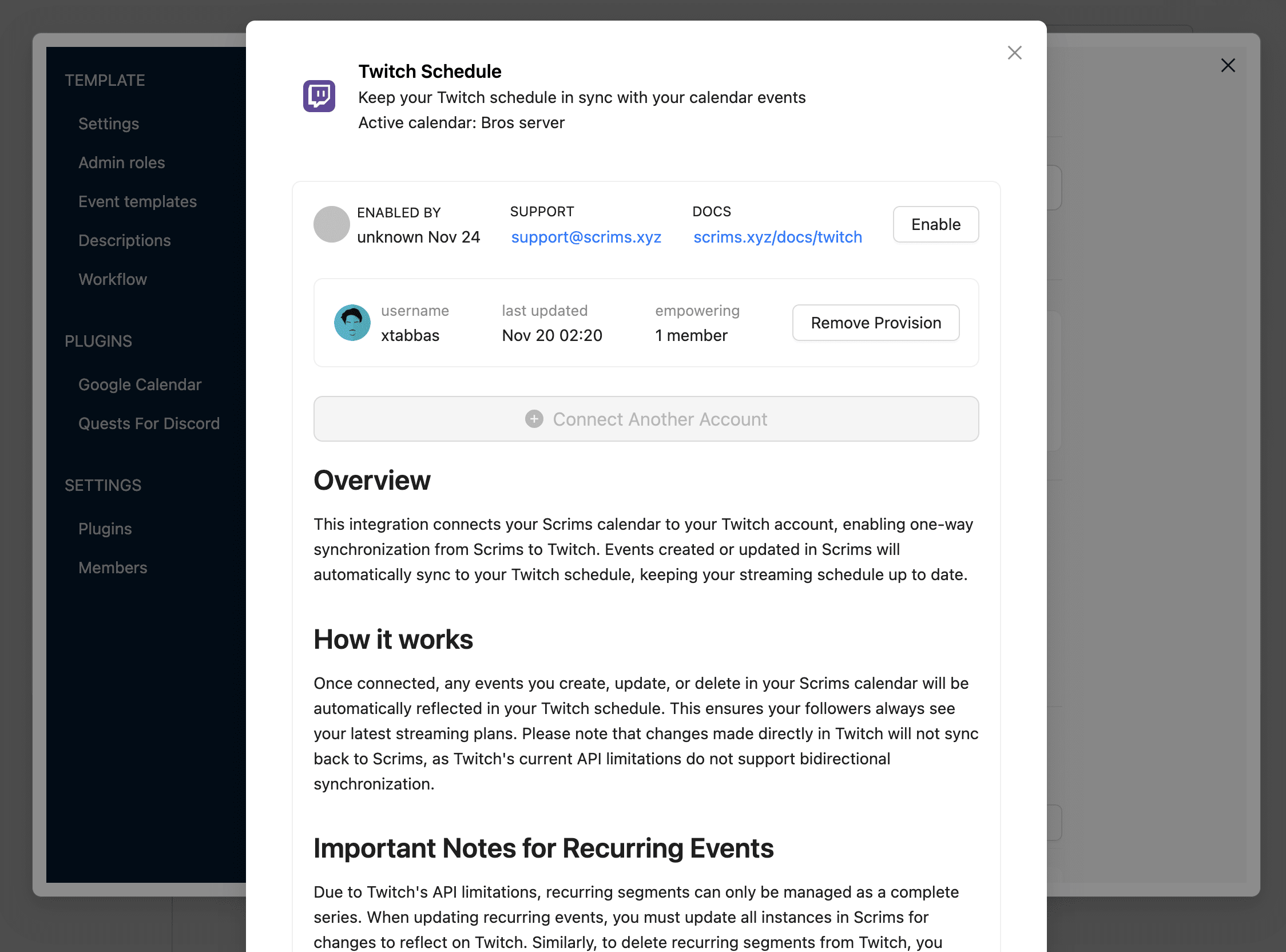
Twitch Account Connection Flow
- Added "Connect Twitch" option under event integrations.
- OAuth flow implemented for secure Twitch login.
- Connected accounts now appear in the Twitch accounts list.
Test: Go to Integrations → click Connect Twitch → complete OAuth → confirm account appears in dashboard.
Attach Twitch Schedule to Scrims
- Users can link a Twitch schedule directly while creating or editing an event.
Test: In event form → open Twitch section → attach schedule → ensure it appears in Scrims & Twitch.
View & Manage Twitch Schedules in Scrims
- Users can now view available Twitch schedules linked to connected accounts.
- Can attach a Twitch schedule to a Scrims event.
- Can also detach an attached schedule anytime.
Test: Open integrations → view available Twitch schedules → attach/detach → confirm correct linking.
Stream Category Search
- Added category search field for Twitch stream integration.
- Search now triggers live API requests while typing.
- Users can select from an auto-suggested category list.
Test: Type in the category search → confirm Twitch categories appear → select one → save event.
Dashboard Update
Update All Recurring Events
- Users can update all events in a series from Atomcal dashboard.
Test: Edit series → change title/time/category → confirm all events updated.
Role Assignment
- Roles are applied when the event starts and removed after it ends.
Test: Assign role → check user → event ends → role removed.
Fix Roles Refresh
- Roles now always update correctly after new roles are added via Discord.
- All roles show under Allowed, Banned, Assign Roles.
- Refreshing the page won't remove any roles.
Test: Create new role → check role lists → all roles appear.
Fix Extra Ticket Issue
- Editing a single-ticket event no longer creates extra tickets.
Test: Create single-ticket event → edit → confirm ticket count stays the same.
Google Extension
Google Calendar Accuracy
- Event updates now display the correct dates and details on Google Calendar.
Test: Create/update event → check Google Calendar → dates correct.
All Extensions
Move Account Connect Button
- The account connect button is now inside the extension form.
Test: Open form → enable → connect account.