Game Nights!
Game Nights!
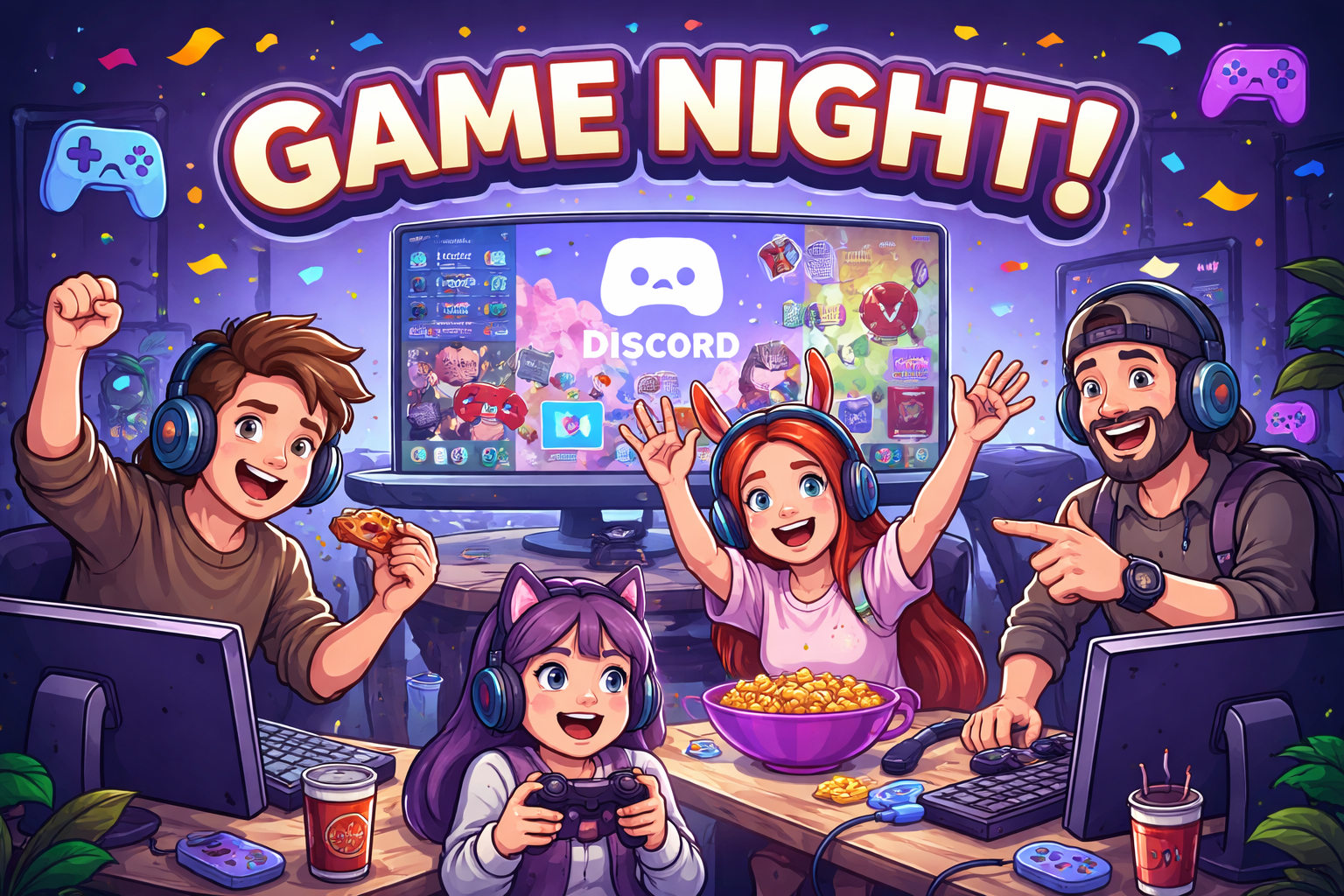
Organize regular game nights where community members come together to play multiplayer games. Create dedicated voice channels and text channels for different games, allowing participants to join and coordinate their gameplay.
Trivia Tournaments
Trivia Tournaments
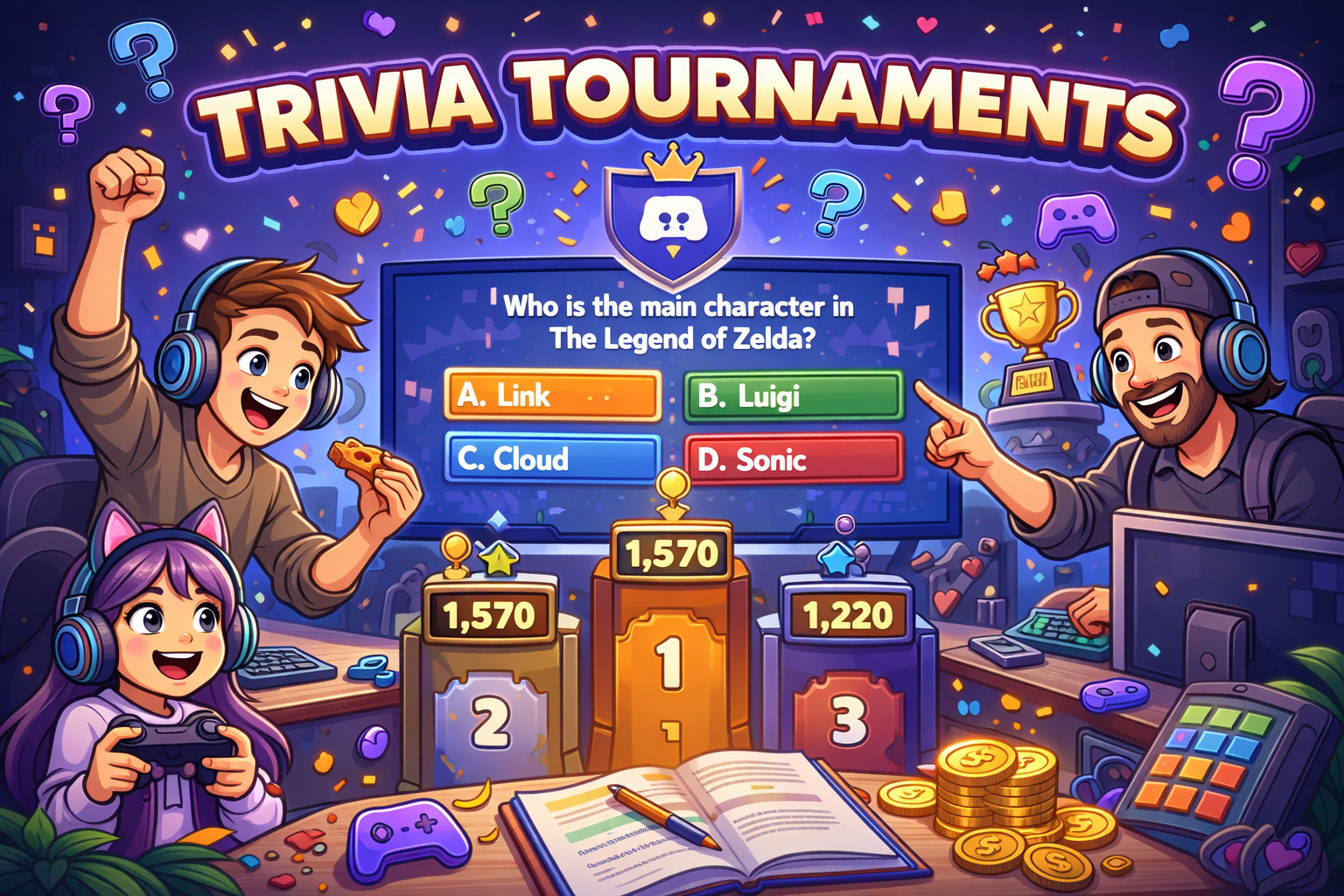
Test your community's gaming knowledge with trivia tournaments. Prepare a series of gaming-related questions and host them in a dedicated text or voice channel. Award points to participants and crown the ultimate trivia champion.
Art Showcases
Art Showcases
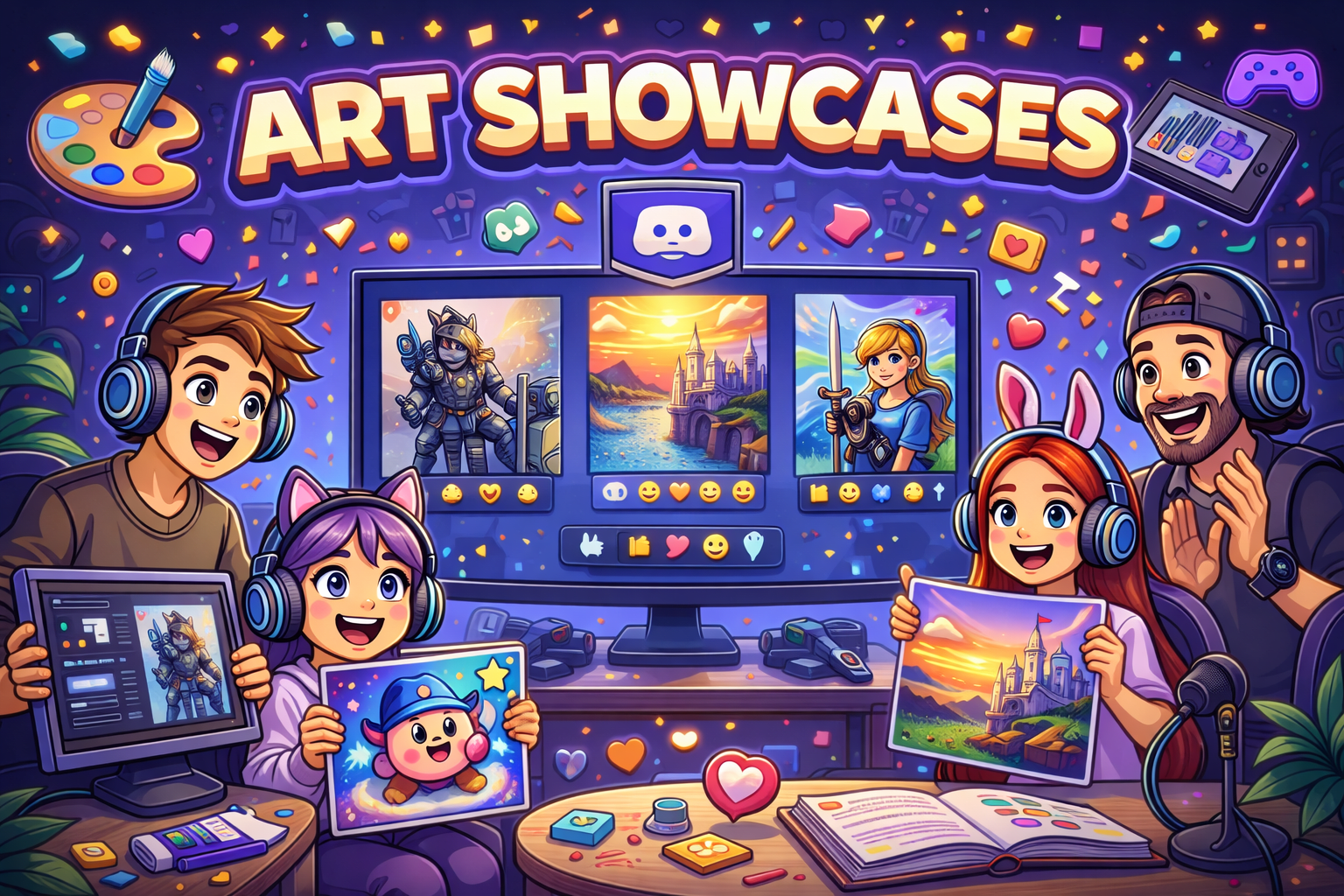
Celebrate your community’s creativity by hosting regular art showcases where members can share their drawings, digital art, animations, or gaming-inspired designs. Create a dedicated channel for submissions and spotlight selected pieces during a live voice session or weekly feature post. Encourage positive feedback, reactions, and community voting to make artists feel seen and appreciated.
Who is using Atomcal to manage events today?
Who is using Atomcal to manage events today?
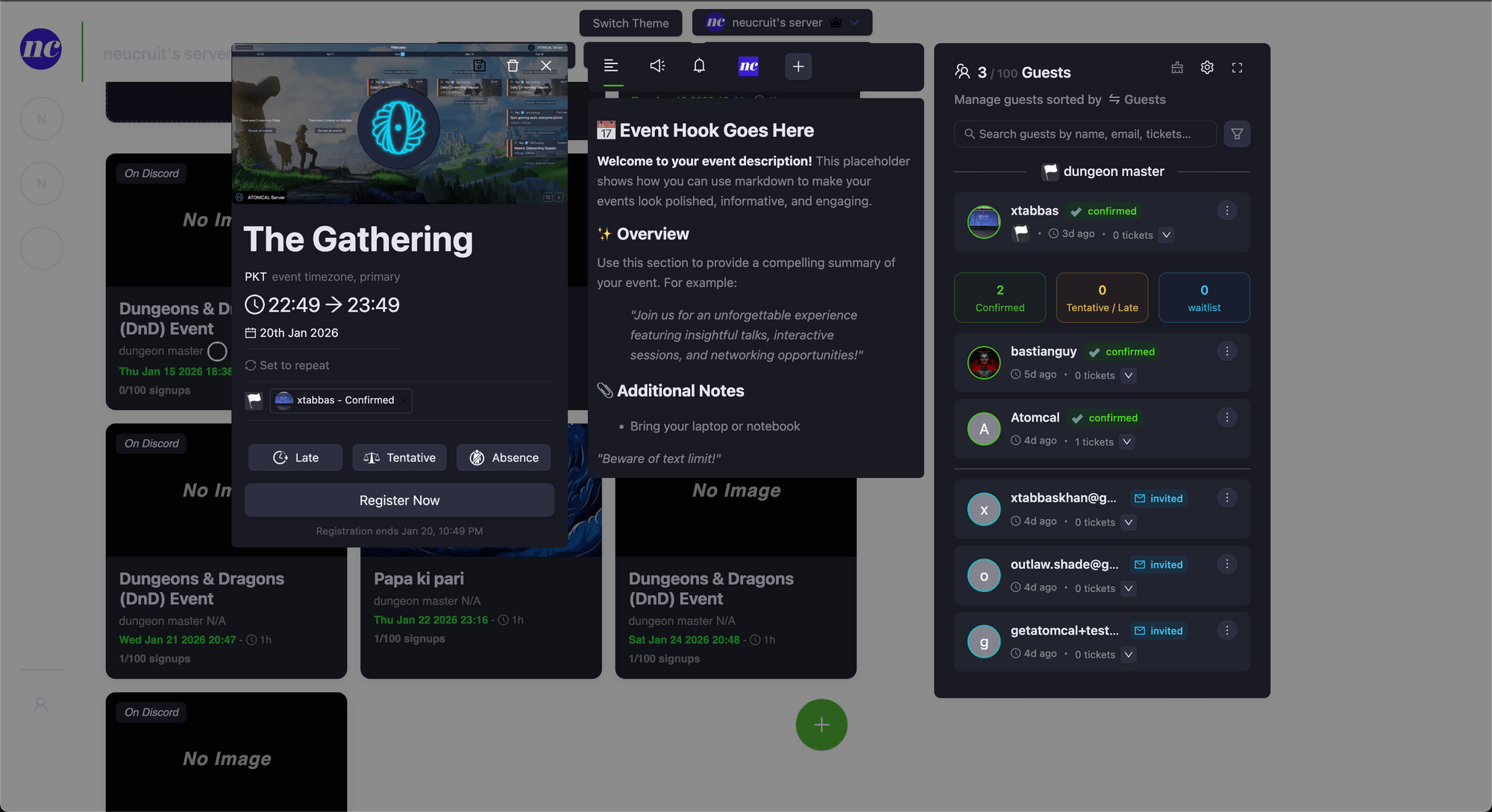
There are multiple communities using Atomcal bot for automating their recurring events and offloading the repeat manual labor.
Sealed Gate
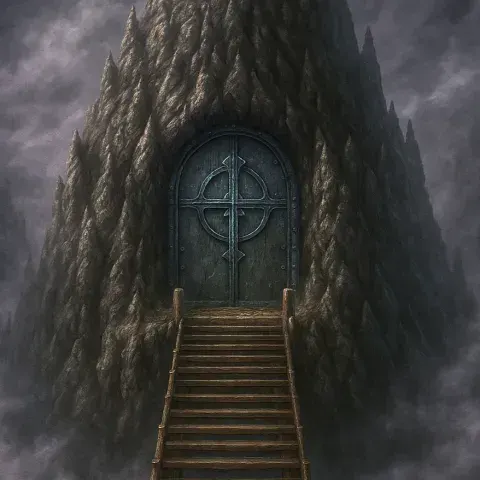
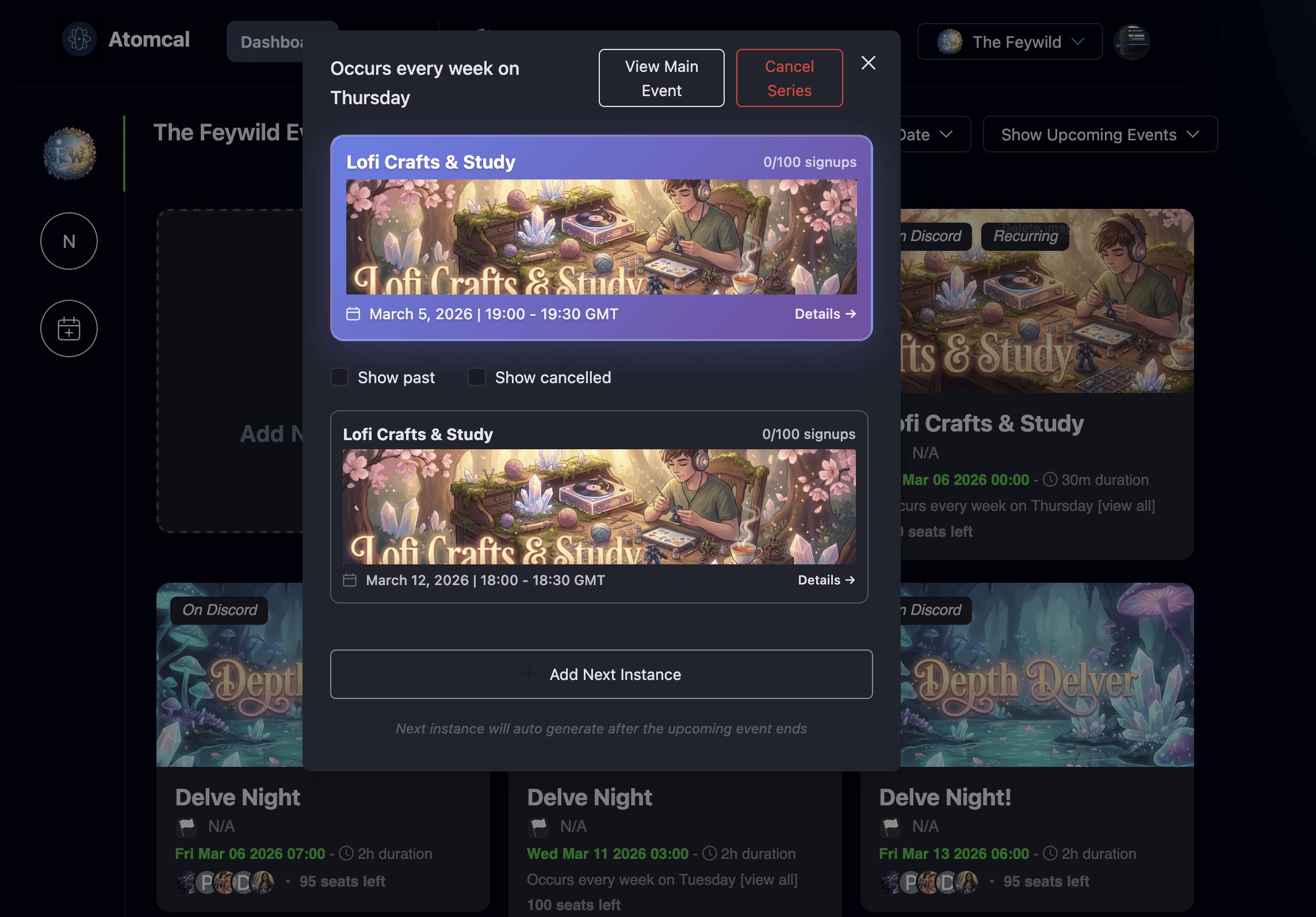
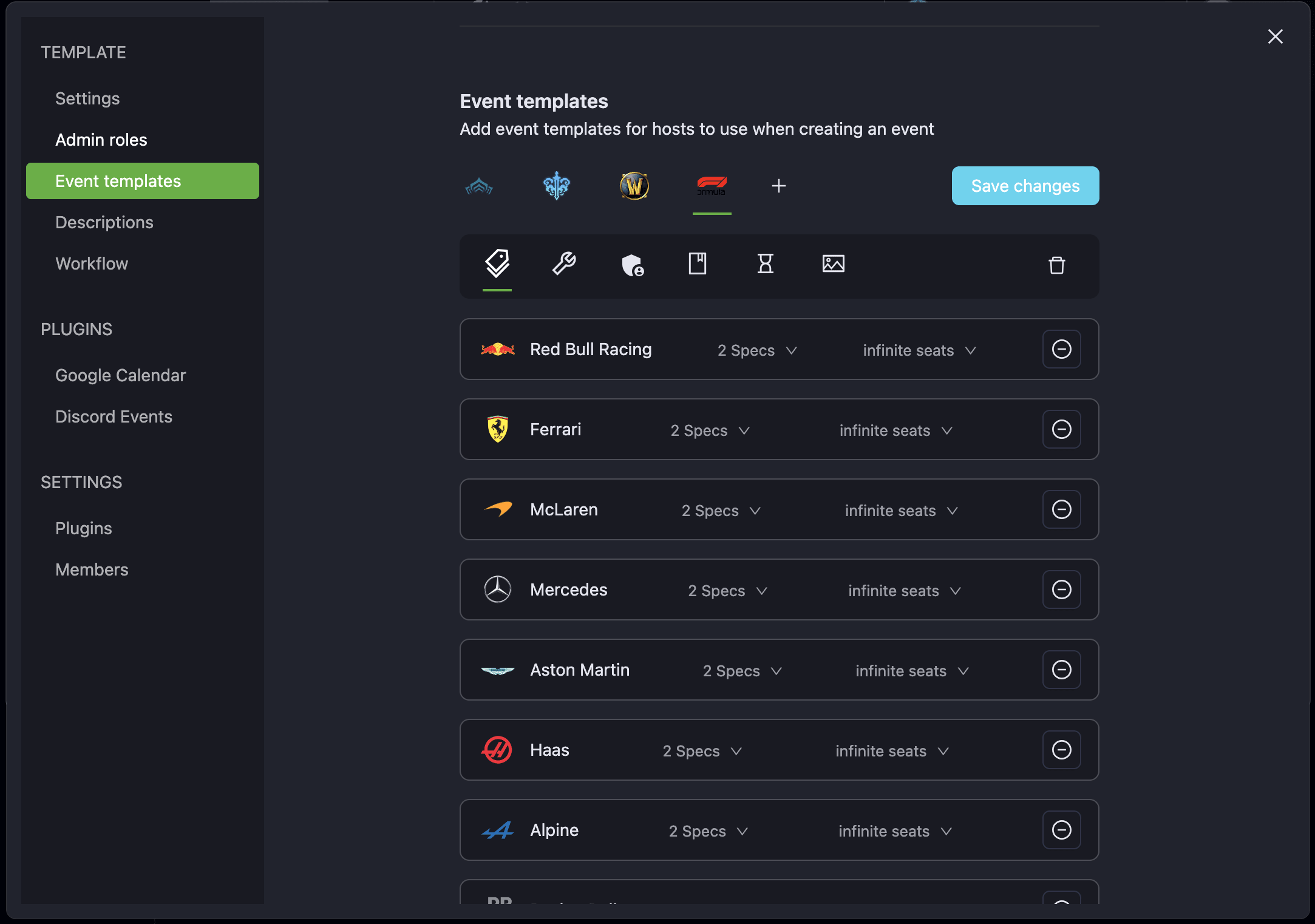
Sealed gate is a Where Winds Meet community run by DeRobertC. They have weekly guild raids and PvP battles.
The Feywild
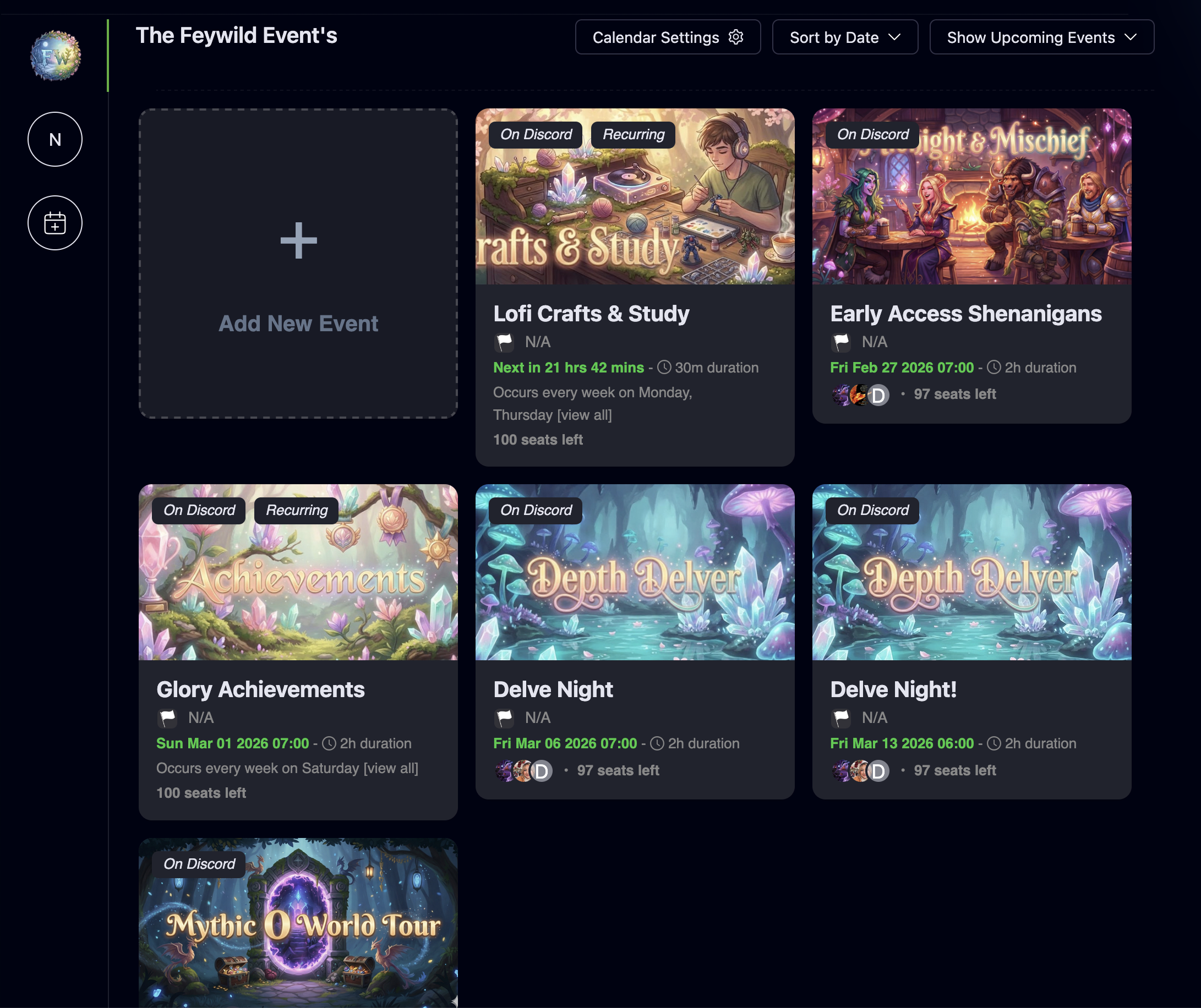
Faywild run by the Feyrise host multiple repeating sessions per week. They enjoy clean auto repeating events.
D&D: The Cracked Realm
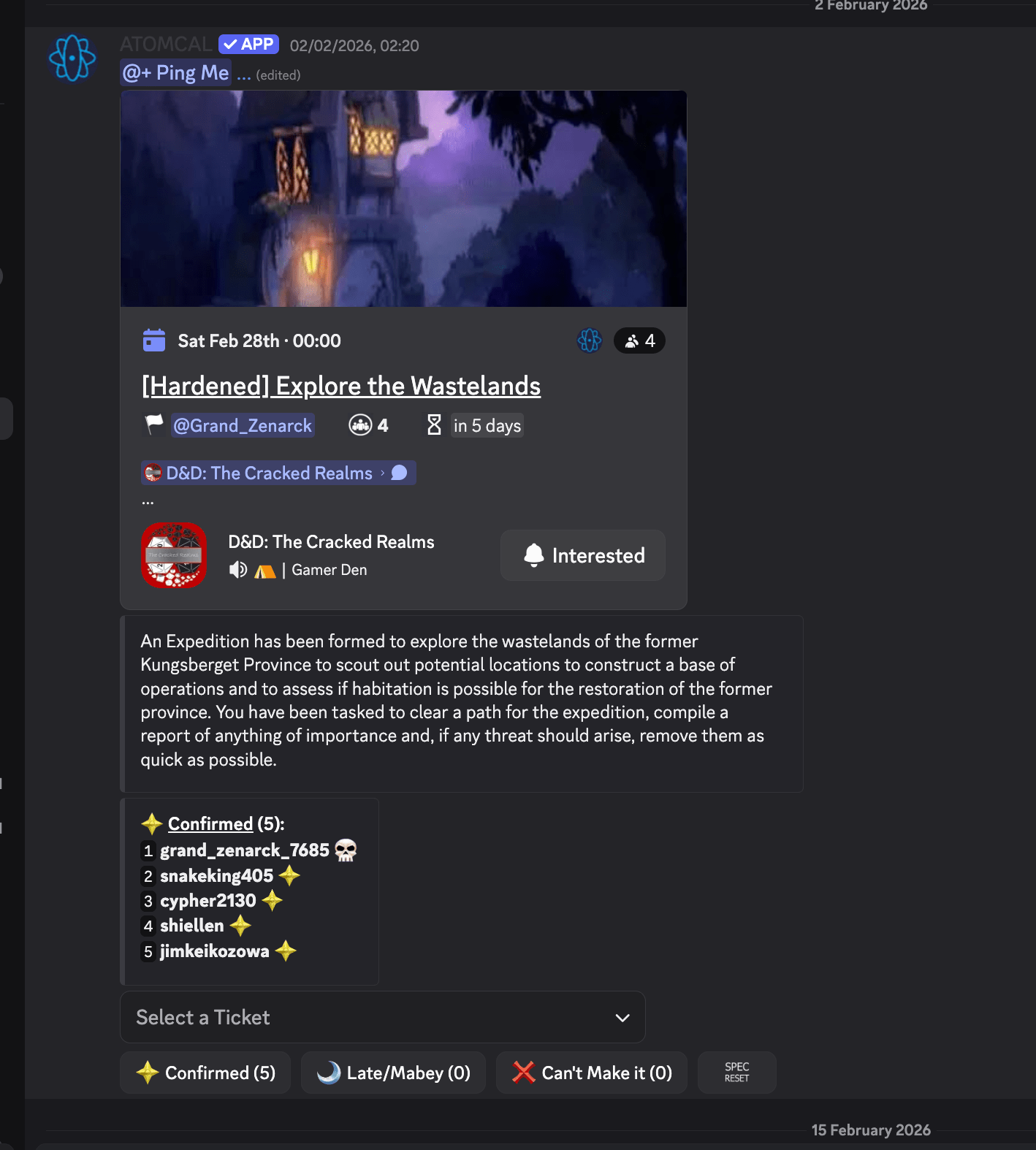
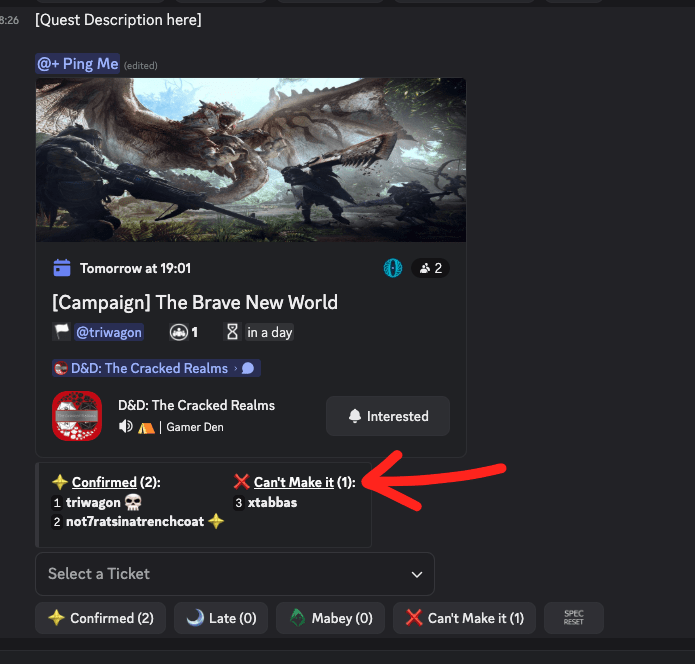
The Cracked Realm host bi-weekly D&D campaign events. Atomcal auto post and auto create the campaign events.
Q&A Sessions
Q&A Sessions
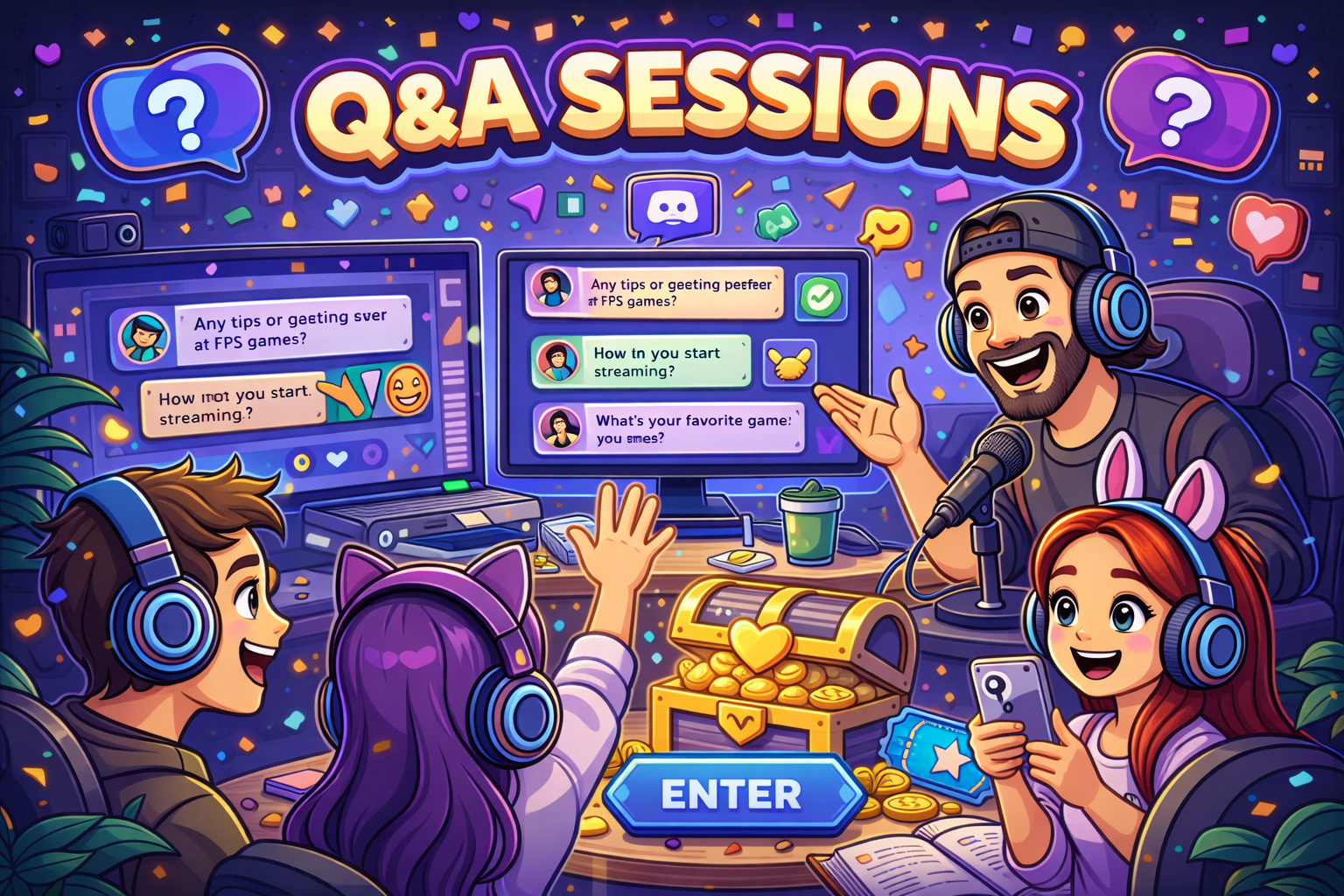
Offer your community a chance to interact with you directly by hosting Q&A sessions. Create a dedicated voice channel where community members can ask questions, and answer them in real-time, whether it's about gaming tips, personal experiences, or your Twitch streaming journey.
Community Challenges
Community Challenges
Spice up the Discord server by organizing community challenges. These can range from speedrunning competitions in specific games to achieving in-game milestones. Create leaderboards or reward systems to recognize the top performers and foster healthy competition.
Movie Nights
Movie Nights
Take a break from gaming and organize movie nights within your Discord server. Use Discord's screen sharing feature or integrate it with popular streaming platforms to watch gaming-related movies, documentaries, or even stream highlights together.
Karaoke Nights
Karaoke Nights
Unleash the hidden talents of your community members with karaoke nights. Set up a voice channel where participants can take turns singing their favorite gaming-themed songs or tracks. Encourage a supportive and fun environment to boost participation.
Twitch Watch Parties
Twitch Watch Parties
If you're a Twitch streamer, host watch parties where you and your community can watch and discuss your favorite gaming streams or tournaments together. Share the excitement, analyze gameplay strategies, and engage in lively conversations.
Game Development Showcases
Game Development Showcases
If you have aspiring game developers in your community, host game development showcases. Allow them to present their projects, share progress updates, and seek feedback from fellow gamers. This can inspire collaboration and even lead to potential partnerships.
Discussion Night
Discussion Night
Another event you could host is a discussion night, usually in the voice channel. This can be a great way to facilitate a fun discussion between members about a topic they're interested in and can be so much fun to host too!
Collaborations With Other Servers
Collaborations With Other Servers
One of the best ways to help get more members to your server would be through collaborating with other servers. For instance, another server could host an event in collaboration with your server. Since members participating in the event will hear about your server, they'll be likely to join if it's in a similar domain or if they love the atmosphere within.
Giveaways
Giveaways
Encourage creativity by hosting art showcases where community members can share their gaming-related artwork. Create a dedicated channel where participants can showcase their creations, and allow others to provide feedback and appreciation.
Frequently Asked Questions
Frequently Asked Questions
Can I automate event creation and announcements?
Yes. Atomcal creates events on a schedule, auto-announces them with @role tags, and keeps one visible upcoming event so your members know exactly what they're signing up for. No more copy-pasting or manual pings. Add the bot and it handles the rest.
Why not just use Discord's built-in events?
Discord's native events have limits: one never-ending event, no clean cancel or reschedule, and a messy UX when you run multiple sessions. Atomcal gives you discrete events with clear start times, full control to cancel or pause anytime, and better visibility. Communities that switched saw higher turnout.
How can I increase actual attendance, not just RSVPs?
Atomcal is built for this: auto-tag a relevant role so the right people see it, send reminder pings at intervals, and keep only one visible upcoming event so guests aren't confused. Communities report 20–40% better turnout when events are clear and discrete. Try it free—no credit card required.
Can I cancel or reschedule events?
Absolutely. With Atomcal you can cancel, modify, or pause any event in one click. No lock-in. If your schedule changes or an event gets postponed, you're covered. Add the bot and you keep full control.
Is Atomcal suitable for Discord event ideas!?
Yes. Discord event ideas! communities use Atomcal for tournaments, practice sessions, league events, and meetups. Hosts save hours on scheduling and see better turnout. Add the bot to your server—it takes under a minute.
Other useful Atomcal Features for Discord event ideas!
Other useful Atomcal Features for Discord event ideas!

Event Activity Logs
Track edits, joins, disjoins.

Email Invitations
Increase turnout 40%.

Email Reminders
Send email reminders to participants so they don't miss your events.